Inside the app
Gamification, standups & Copilot
Around the task list sits a thin layer of motivation: XP and streaks, a daily standup ritual, an activity feed, smart notifications, and an AI assistant (Copilot) that knows your workspace. None of it is required — all of it rewards showing up.
XP, levels & streaks
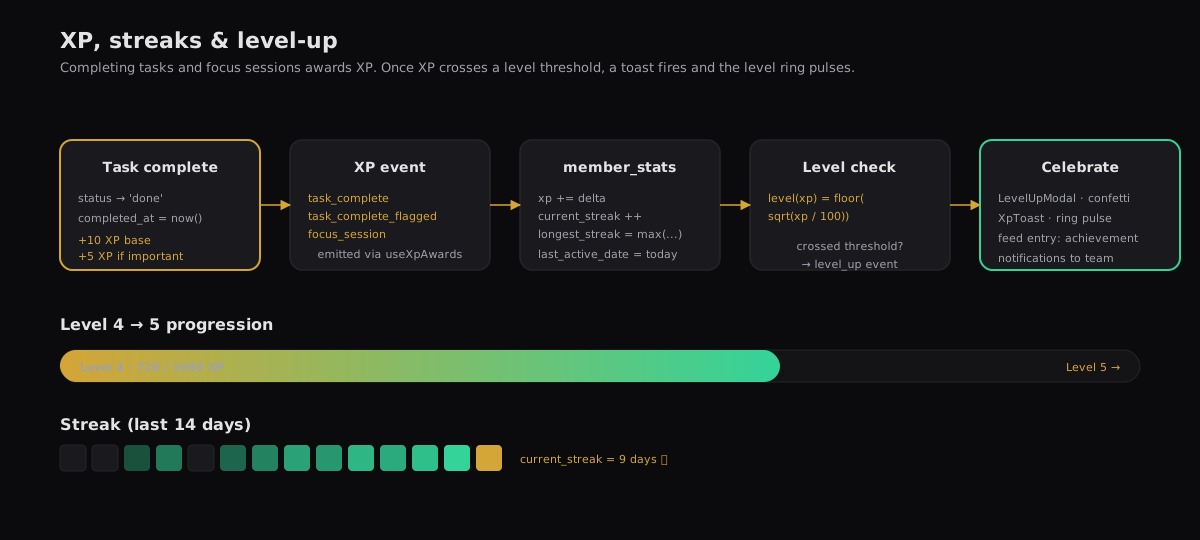
Completing work awards XP. XP maps to a level; levels display on your avatar ring; streaks track consecutive active days. The numbers are stored on member_stats and update via the same realtime channel as everything else.
- task_complete
- Base award. Fires when a task moves to status = done.
- task_complete_flagged
- Bonus award on top when the task was flagged important.
- focus_session
- Awarded when a focus-timer run completes its target duration.
- current_streak
- Days-in-a-row with at least one awarded event. Resets after a missed day.
- longest_streak
- Personal best — updated monotonically.
Daily standups
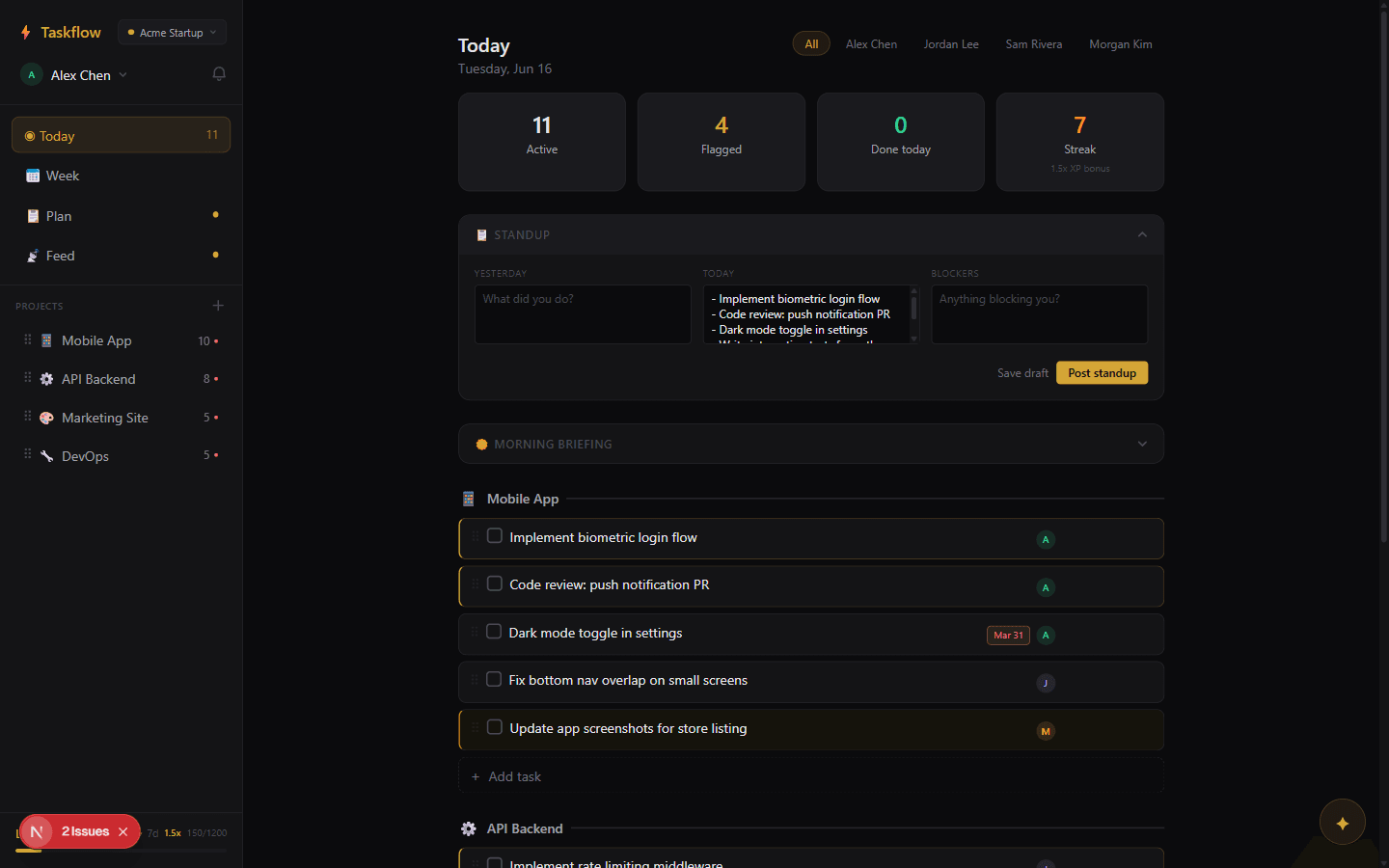
The classic three-question format: yesterday / today / blockers. Writing one is an upsert against daily_standups keyed by (member_id, date), so you can edit all day until you hit post. Posting creates a feed entry of type standup and fires notifications to teammates.
Activity feed
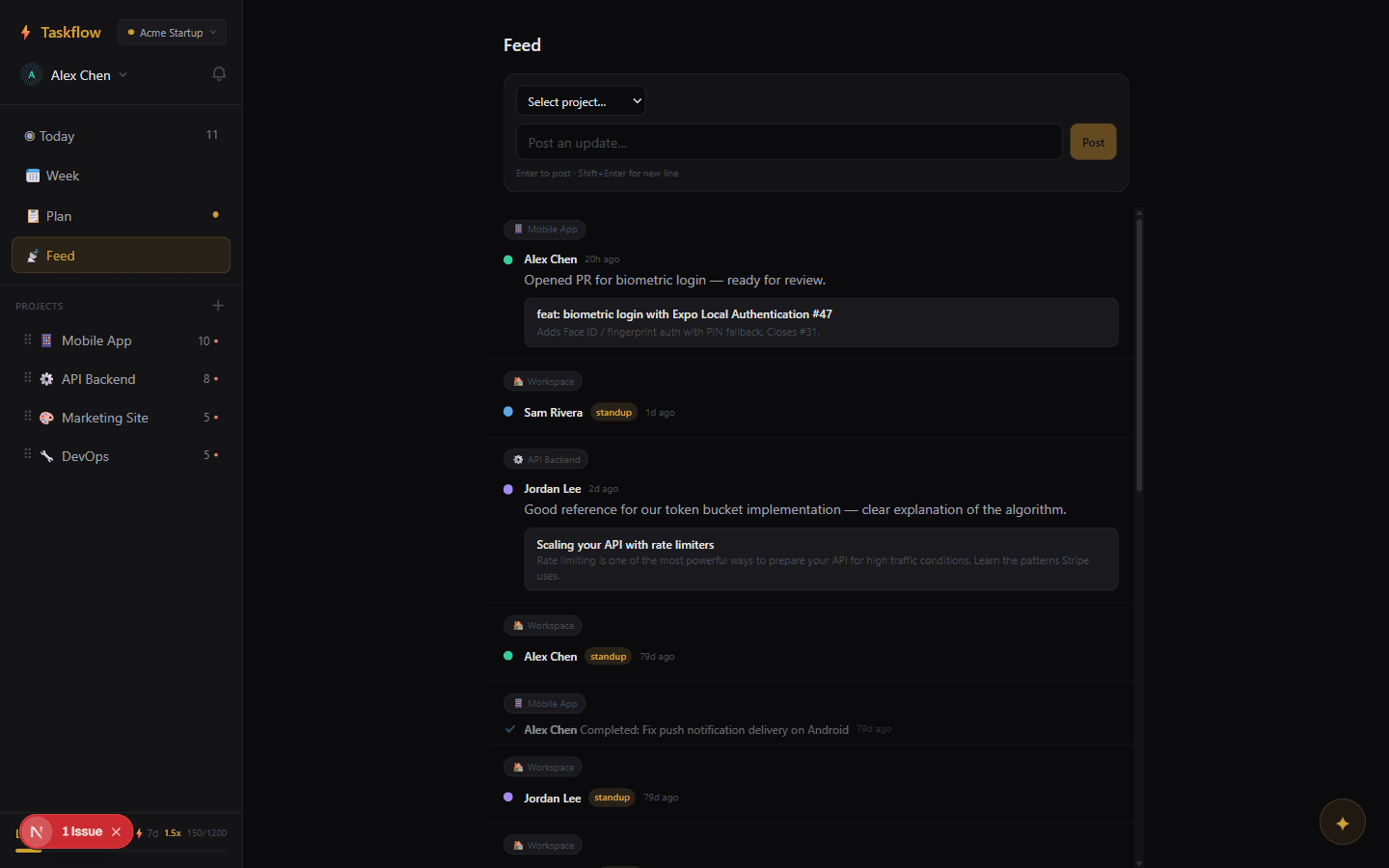
One stream per workspace. Three entry types:
- post
- A manual update — text, optional URL with unfurled metadata (title, description, image).
- task_complete
- Auto-logged when a task moves to done. Links to the task and the member who finished it.
- standup
- Auto-logged when a standup is posted. Inline yesterday/today/blockers body.
Notifications
A minimal inbox of events addressed to you. Fan-out happens server-side on mutations that affect another member: task assigned, task blocked, standup posted, EOD reminder. Unread count rings the bell on the top bar; per-type preferences (sound, desktop, muted) are stored in localStorage.
- task_assigned
- Someone assigned a task to you — or changed your existing assignment.
- task_blocked
- An assignee flagged one of your tasks as blocked.
- standup_posted
- A teammate's standup went live in the feed.
- eod_reminder
- End-of-day nudge if you're close to a streak break.
- level_up
- A teammate leveled up — celebration is optional.
Copilot
A chat panel scoped to the current workspace. It can read tasks, projects, standups, and notes — everything you can read — and answer questions like “what did Ana ship this week?” or “summarize the blockers on Project Atlas.” It does not execute writes on your behalf without explicit confirmation.

Next up
The trust layer — auth, identity, and what RLS does and doesn't protect against.
Security & access →